KAIN: AN ONLINE FOOD ORDERING APP FOR FOOD HUB MALABON
Product Overview
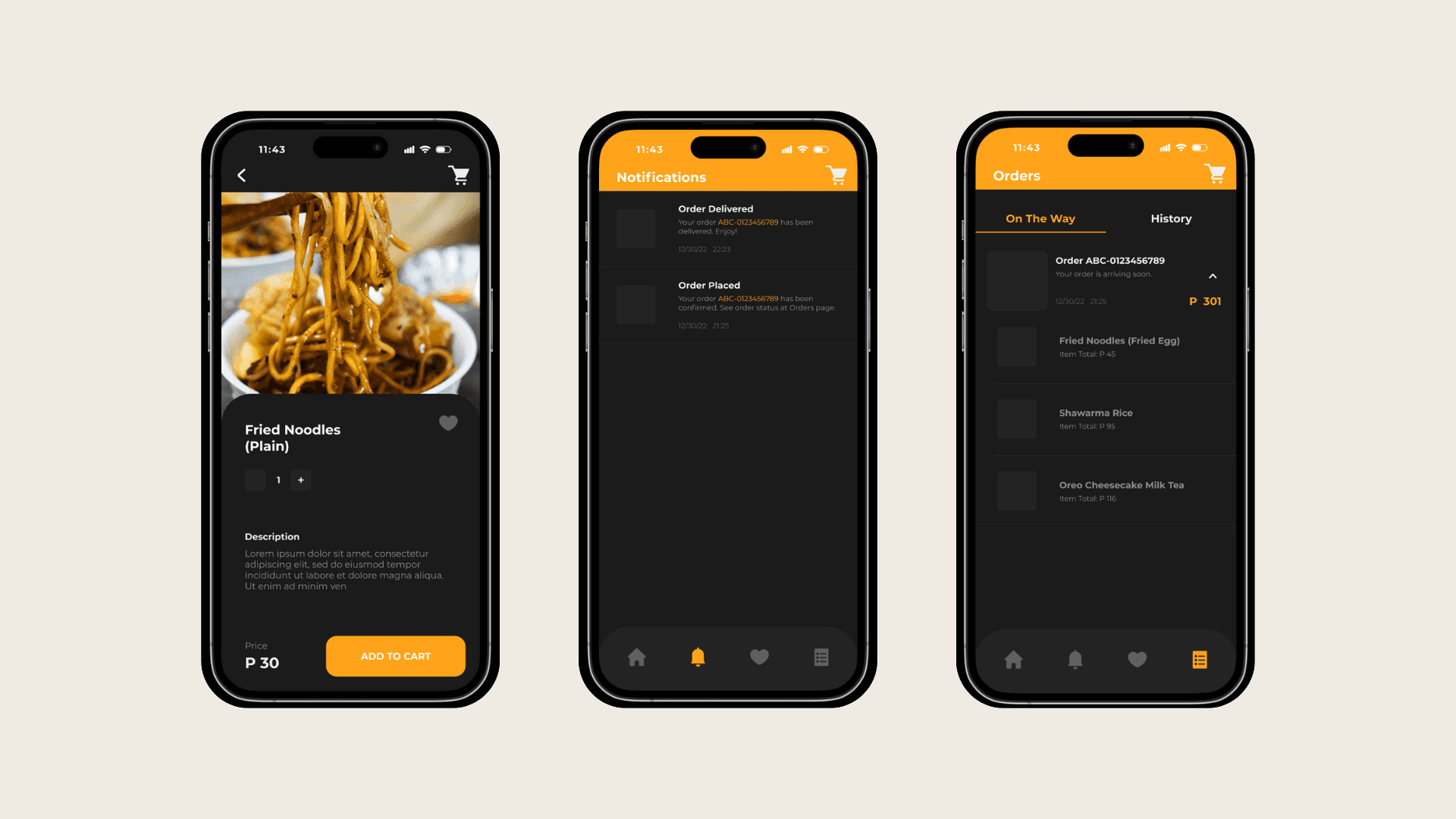
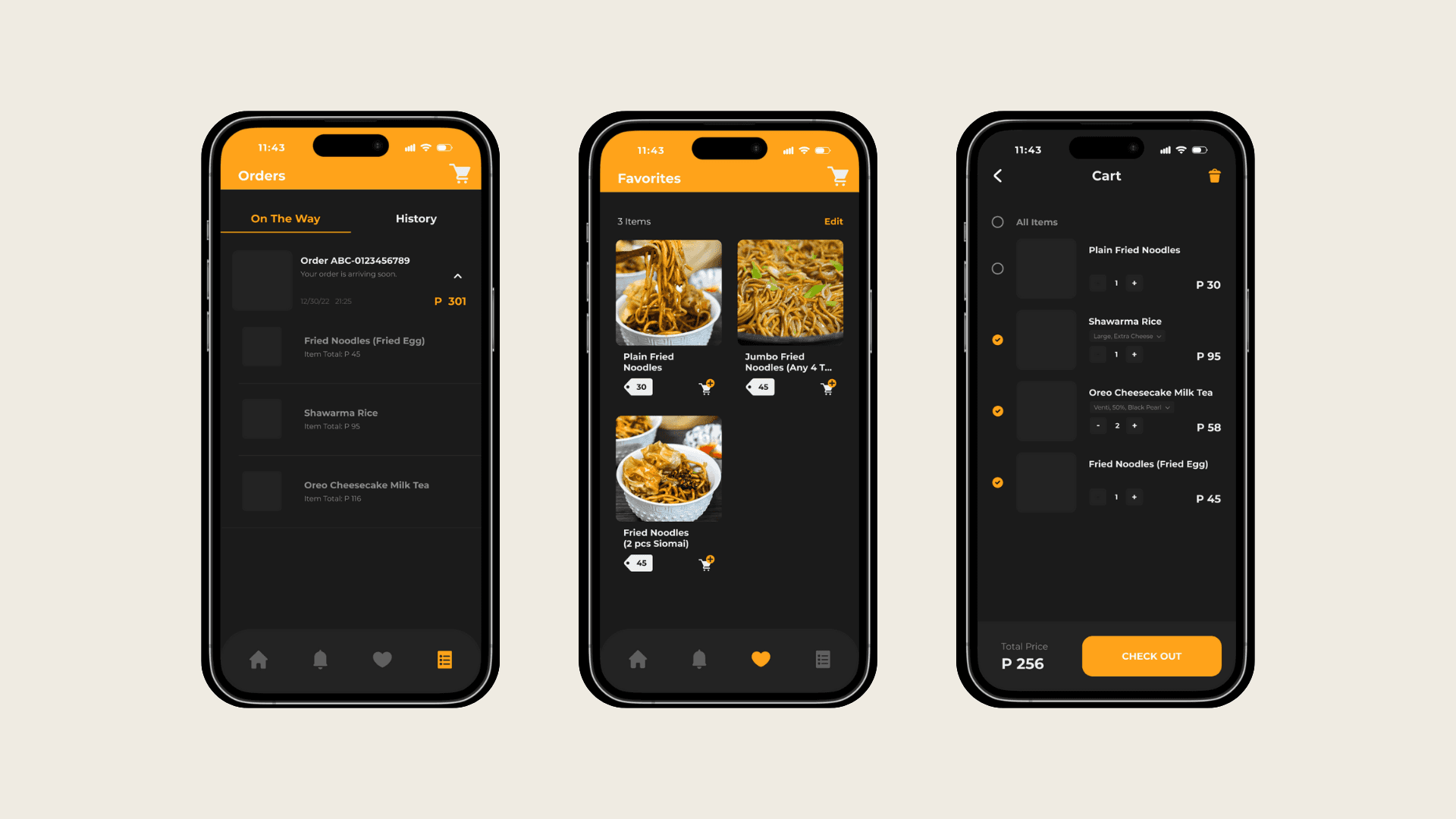
KAIN is a mobile app that simplifies food ordering for residents of Malabon, Philippines.
Tools
Problem Statement
Food Hub Malabon's development team faces several technical hurdles in creating their online food ordering app.
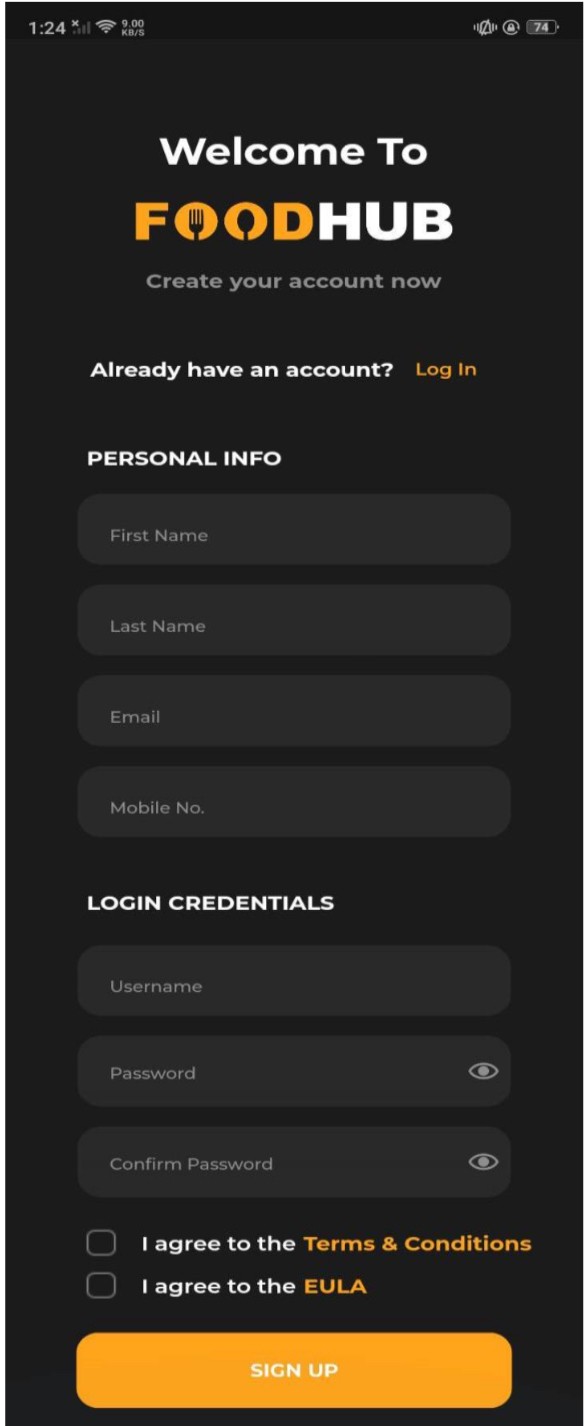
Firstly, they need to design a user-friendly and intuitive module for customers to seamlessly browse menus, place orders, and manage their accounts.
Secondly, implementing a real-time order tracking system is crucial to provide clear information on delivery status and potential delays.
Finally, integrating e-wallet payment options securely within the app is essential to offer customers a convenient and familiar payment method.
Overcoming these challenges will be key for Food Hub Malabon to deliver a positive user experience, build trust, and compete effectively in the online food ordering market.
Goals
"To design an e-commerce app for people from Malabon that helps them to order food online from Food Hub Malabon”
Design Process
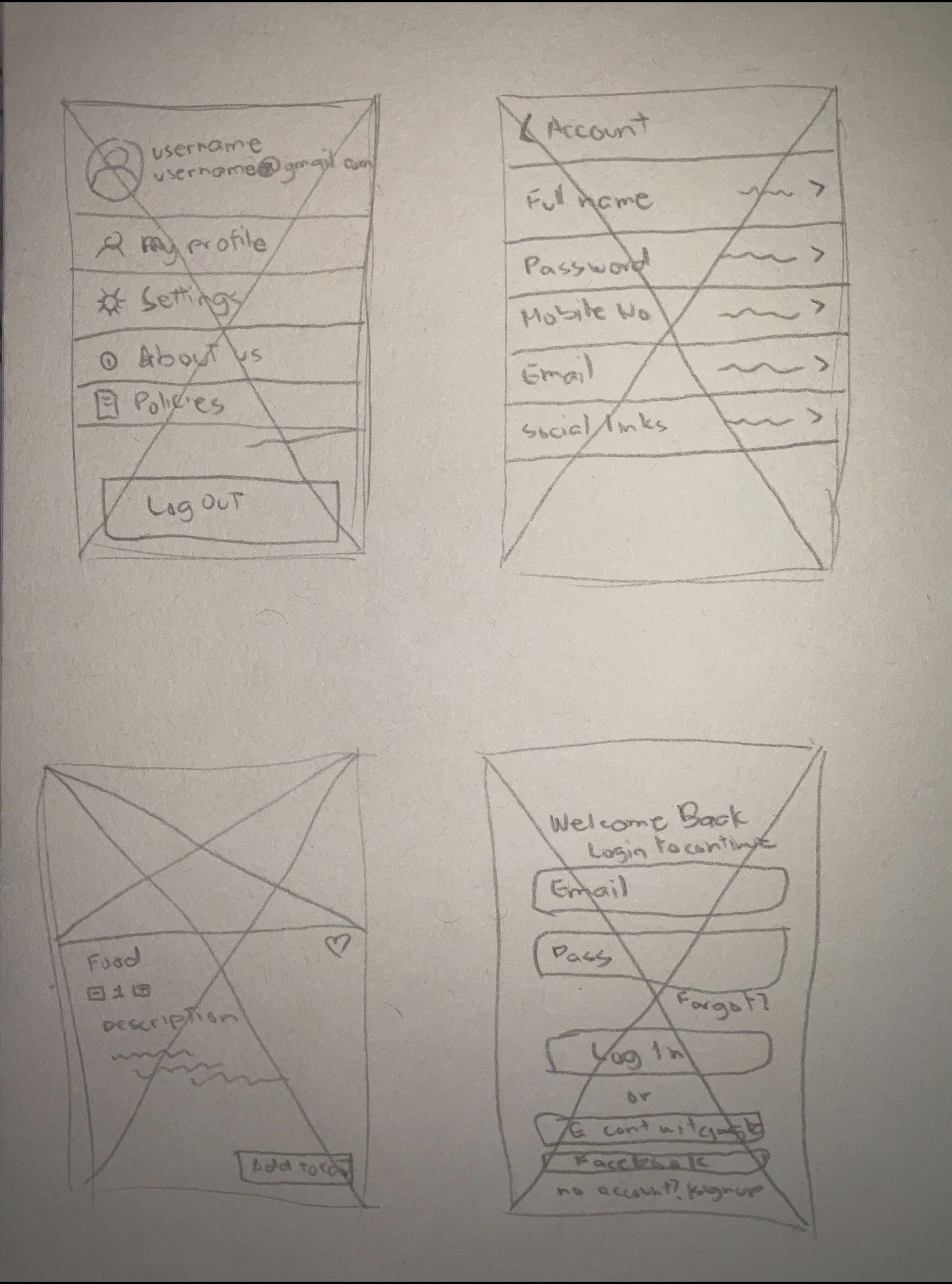
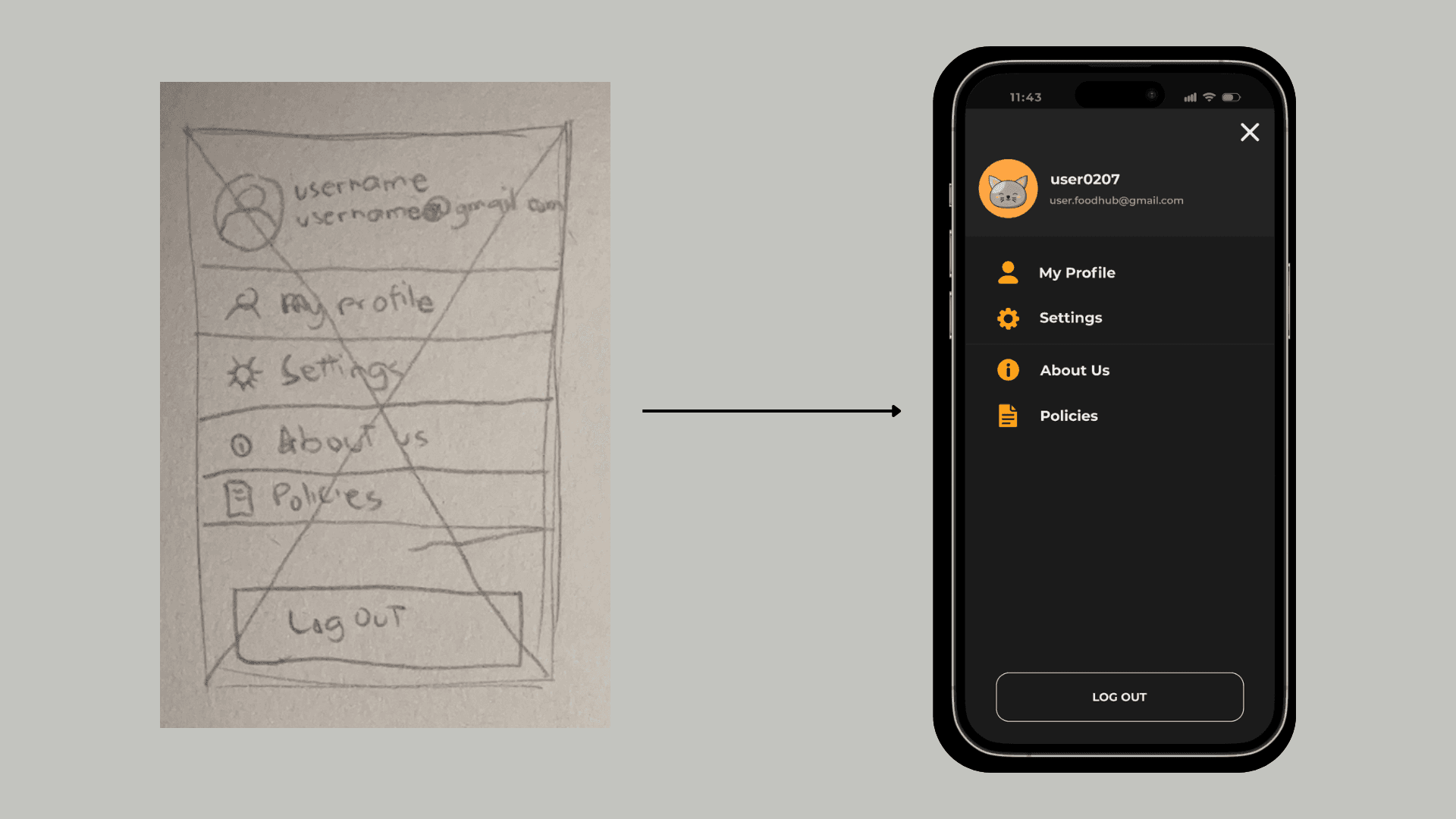
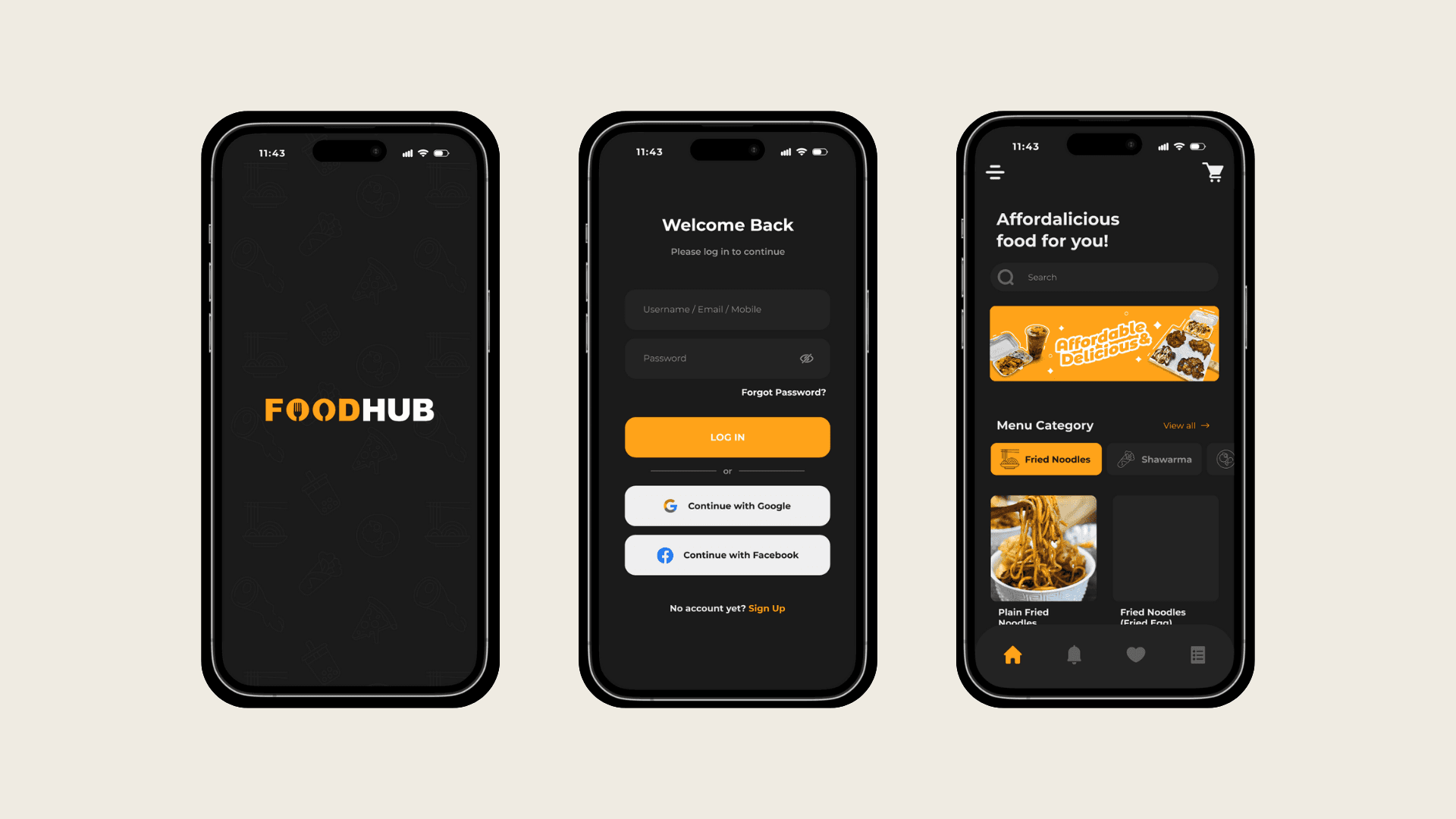
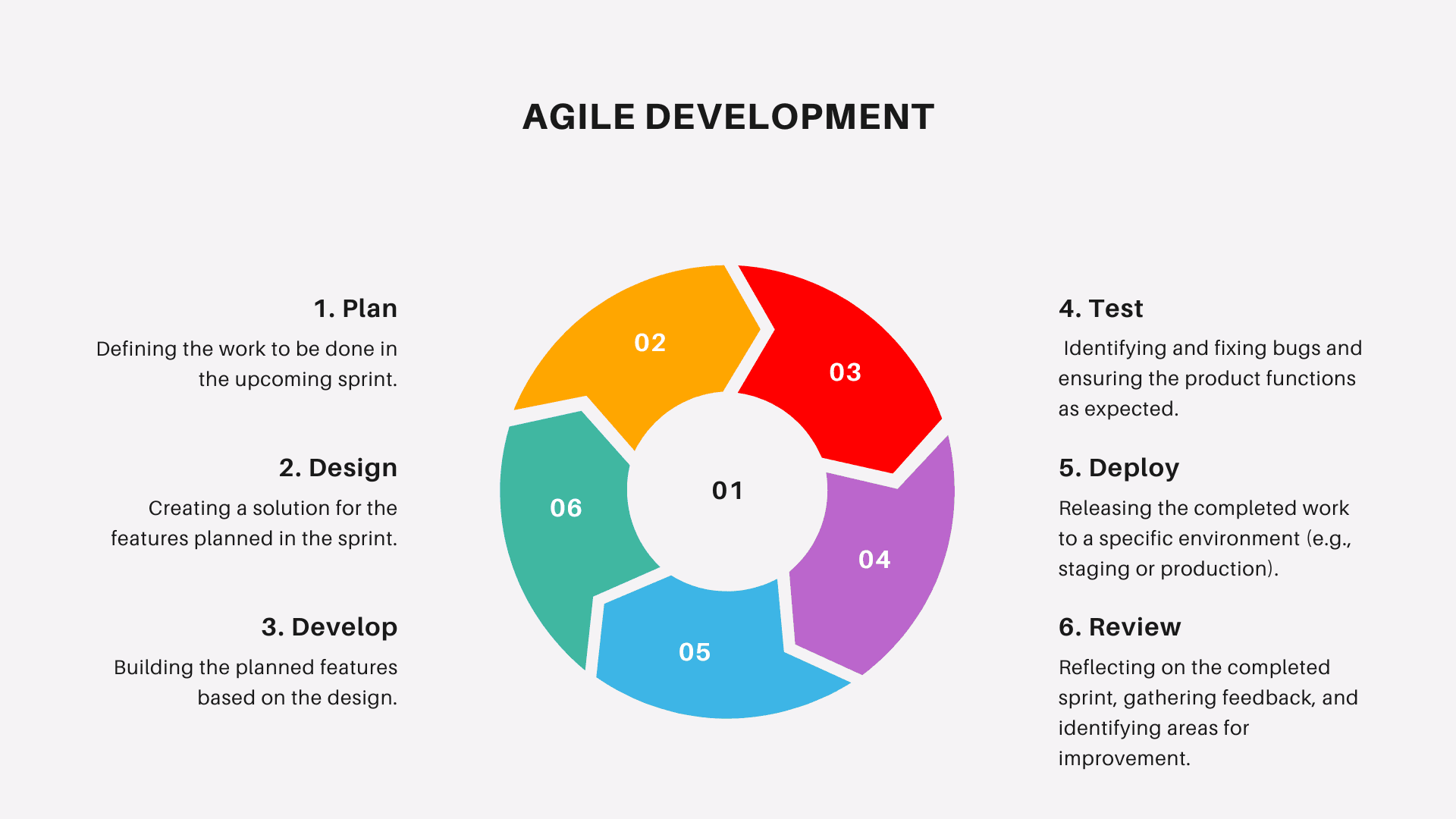
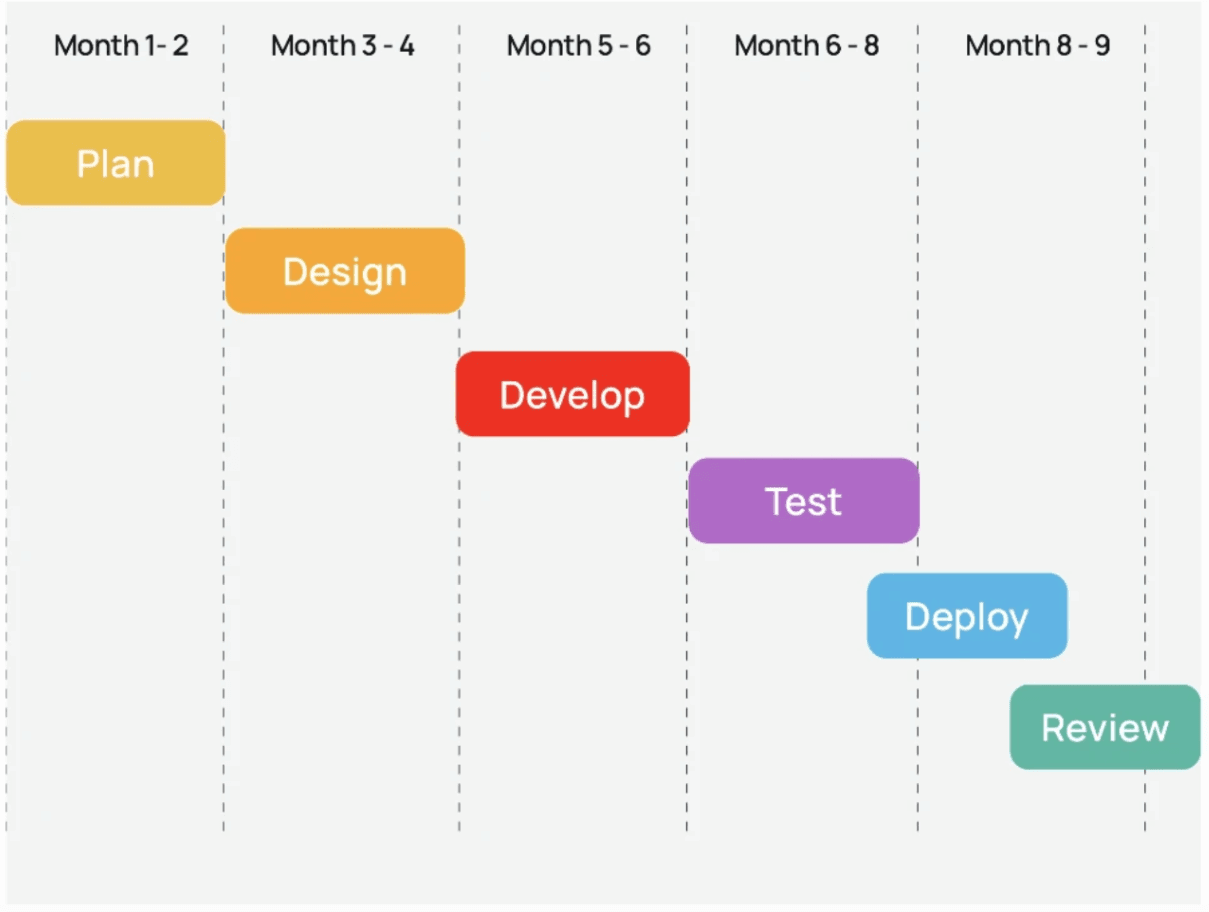
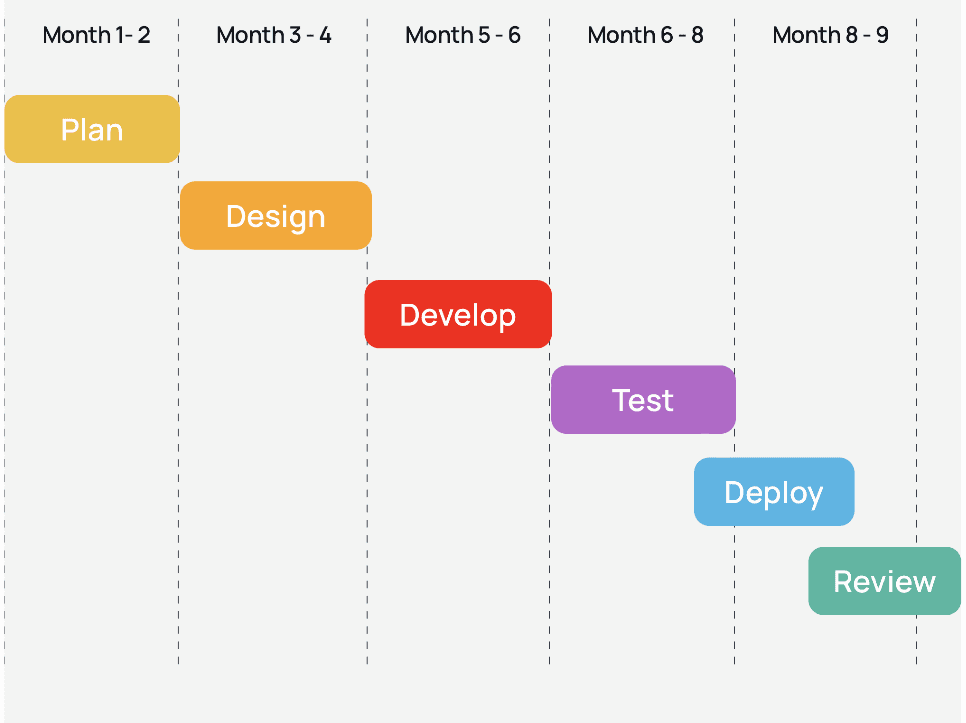
For the KAIN App, we began with targeted research on food e-commerce apps and insights from professionals. Post-research, I embarked on ideation sessions, creating initial wireframes that merged e-commerce content with interactive elements. Through iterative design, testing, and feedback, the final interface was honed to be both engaging for the people around Malabon and informative about food e-commerce.
Design Timeline
Target Audience
Clients, staff, proprietors, and individuals around Malabon, Philippines.
User Research
The researchers conducted user research involving focus groups with people around Food Hub Malabon, surveys and interviews with administrator, employees and customers. These insights, coupled with interviews from customers of Food Hub Malabon, shaped our understanding of the target audience's needs and preferences, guiding the design strategy for an engaging experience.
Screeners
Is it easy to understand and use?
How satisfied are you with search and navigation?
Your opinion on delivery/pickup options?
Rate the app's interface in terms of user friendliness.
Are the payment options convenient and secure?
Observations
98.2%
Easy to understand and use.
92.5%
Satisfied with the search and navigation.
83.3%
Agreed about their opinion on delivery/pickup options.
The app's interface in terms of user friendliness.
85.1%